Reduce Revision Rounds with AI: Best Practices for Designers & Clients
Most days at Visual Best don’t start with design tools — they start with conversations.
A client call.
A message asking for “one small change.”
A project that was meant to wrap up in two weeks slowly stretching into months.
We’ve seen this happen many times. Not because the design wasn’t good, but because expectations shifted, feedback came late, or the vision evolved mid-way. If you work in a creative team, this probably feels very familiar.
As the demand for content keeps rising and timelines keep shrinking, we felt the need for a smarter way to work. That’s where AI stepped in — not to replace creativity, but to bring clarity, alignment, and confidence earlier in the process.
In this blog, we share how we use AI to reduce revisions and improve productivity — in real, practical ways that actually work.
The Cost of Multiple Revisions
We’ve seen it happen too often — revisions don’t break a project overnight. They slowly drain it.
Designers spend more time fixing old work than creating new ideas. Timelines slip, momentum fades, and what started with excitement turns into frustration. Costs rise through extra hours and scope creep, and teams end up reacting instead of leading the process.
AI has helped us break this cycle. By bringing clarity and alignment earlier, it reduces unnecessary back-and-forth and keeps projects moving forward. Creative teams spend less time reworking and more time creating.
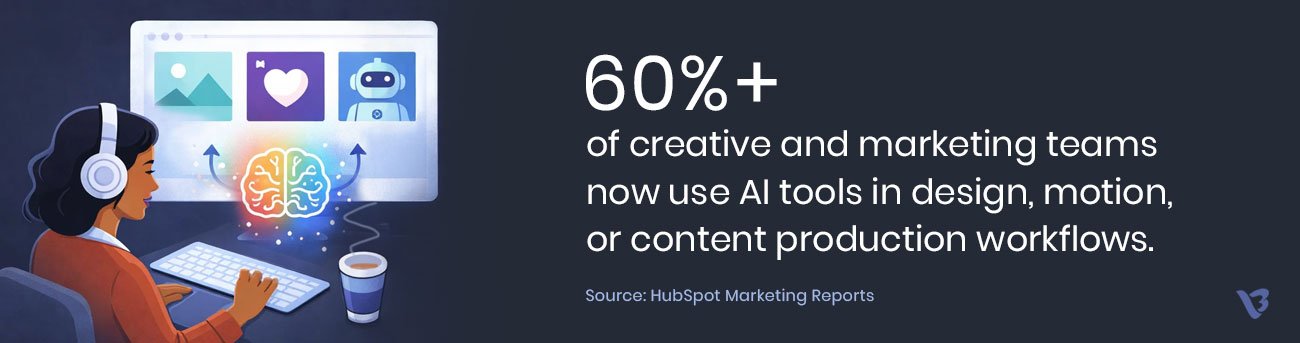
The impact is measurable too. A Zebracat report found that 57% of companies saw improved productivity after adopting AI tools — something we’ve experienced firsthand.
The Real Problem
The majority of design revisions are caused by “miscommunication” from the very beginning of the project – NOT because the designer is making mistakes. Poor initial communications lead to costly and unnecessary revisions down the road.
Miscommunications occur when:
- Clients use vague terms (such as “clean”, “premium”, or “bold”) in the brief.
- The client waits until they see the first draft to determine what they really want.
- Designers don’t have access to the most current and complete brand references.
- Feedback that keeps changing direction and doesn’t refine previous feedback.
A McKinsey productivity study showed that ineffective communication can cause teams to be less efficient by as much as 25% and that inefficiency is even worse for creative and knowledge-based work.
How AI Reduces Revision Rounds
Faster Alignment with AI (Before Revisions Begin)
Most revision problems don’t start with bad design — they start with miscommunication.
AI helps us fix that early. Instead of long explanations and assumptions, we align visually from day one. When clients react to visuals rather than abstract ideas, decisions become faster and clearer — and revisions drop dramatically.
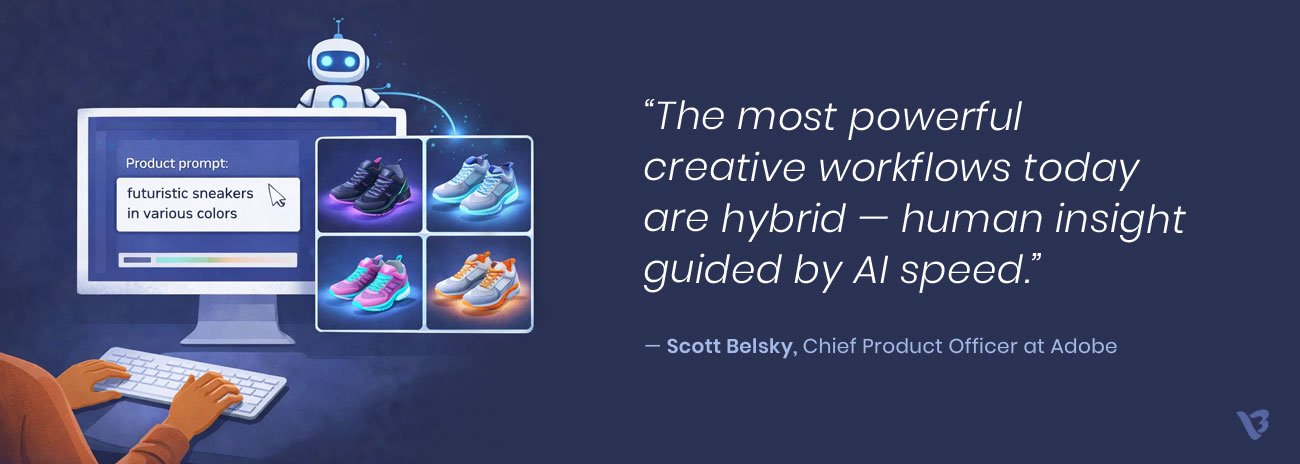
Using AI-powered ideation tools like Midjourney, DALL·E, and Adobe Firefly, we can explore multiple creative directions in hours, not days. This removes guesswork and helps lock the creative direction before time is spent on details.
A Real Example of an AI-Driven Creative Workflow
Let us share a very recent example from last week.
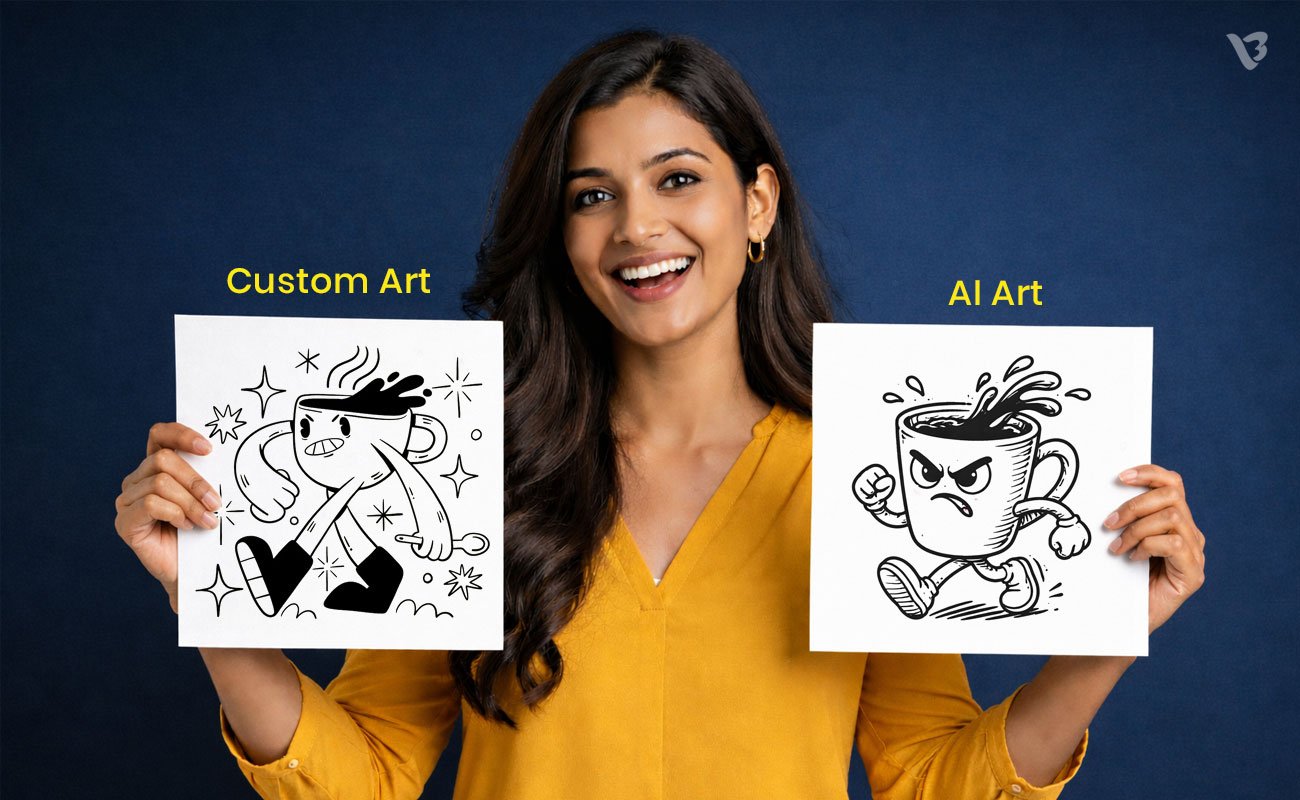
A client approached us to design a LinkedIn article image. We started creation in the traditional way. The designer interpreted the brief, created 2–3 custom illustration concepts, and spent nearly 2–3 days refining the visuals.
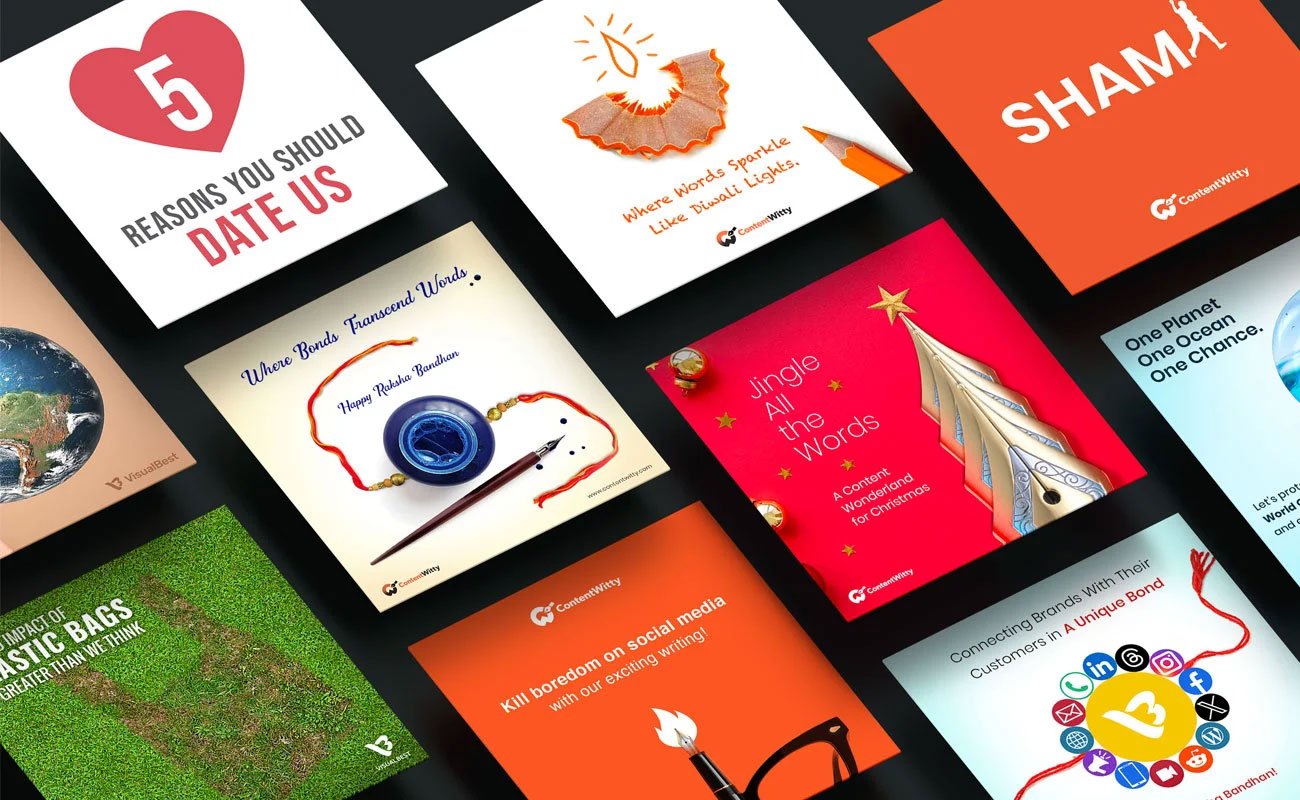
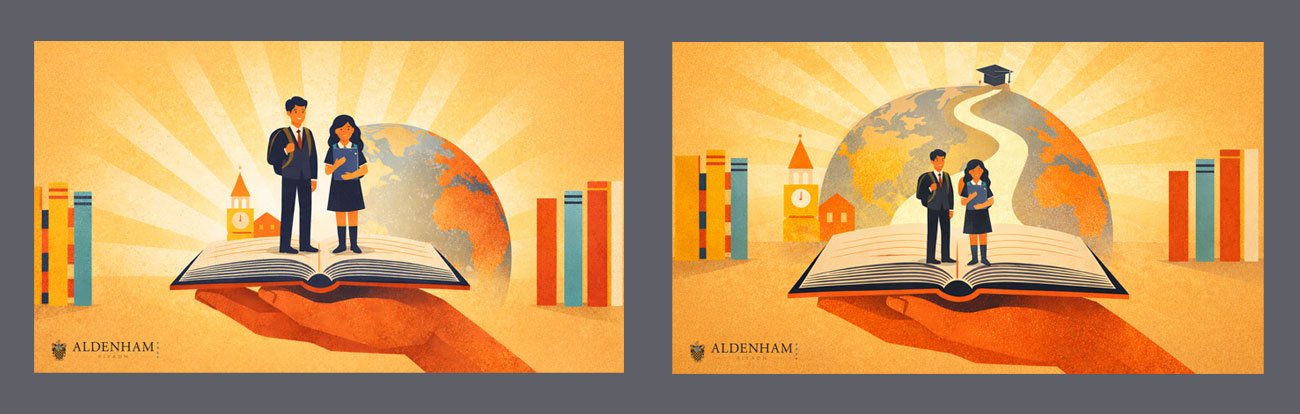
Here are the concepts originally created for designers:
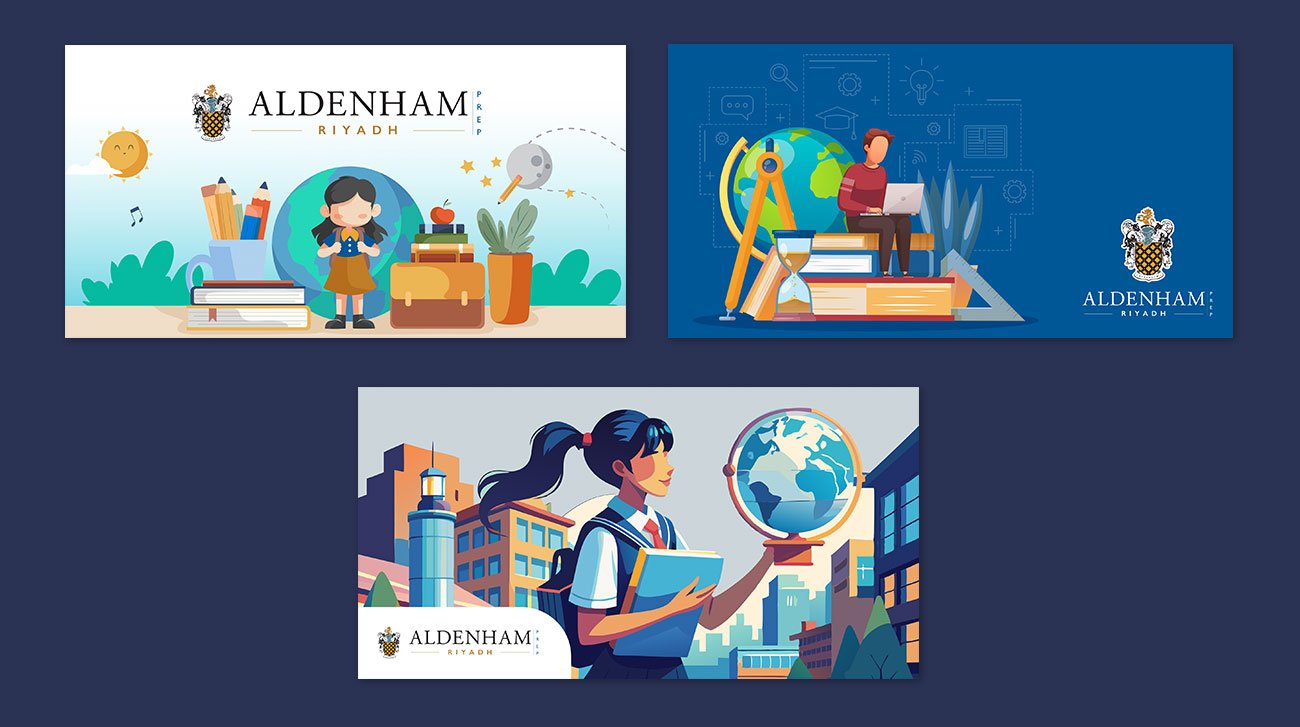
When the designs were shared, the outcome was predictable.
The client rejected all versions.
What they really wanted was a clean, clutter-free, conceptual visual—something that hadn’t translated clearly through the initial brief.
At this point, the Art Director stepped in. He understood the requirement instantly—but instead of guessing again, he changed the approach.
Using the same brief, he quickly generated multiple visual directions using ChatGPT and Sora, exploring concepts rather than finished designs. Within an hour, we shared 4–5 strong visual options with the client.
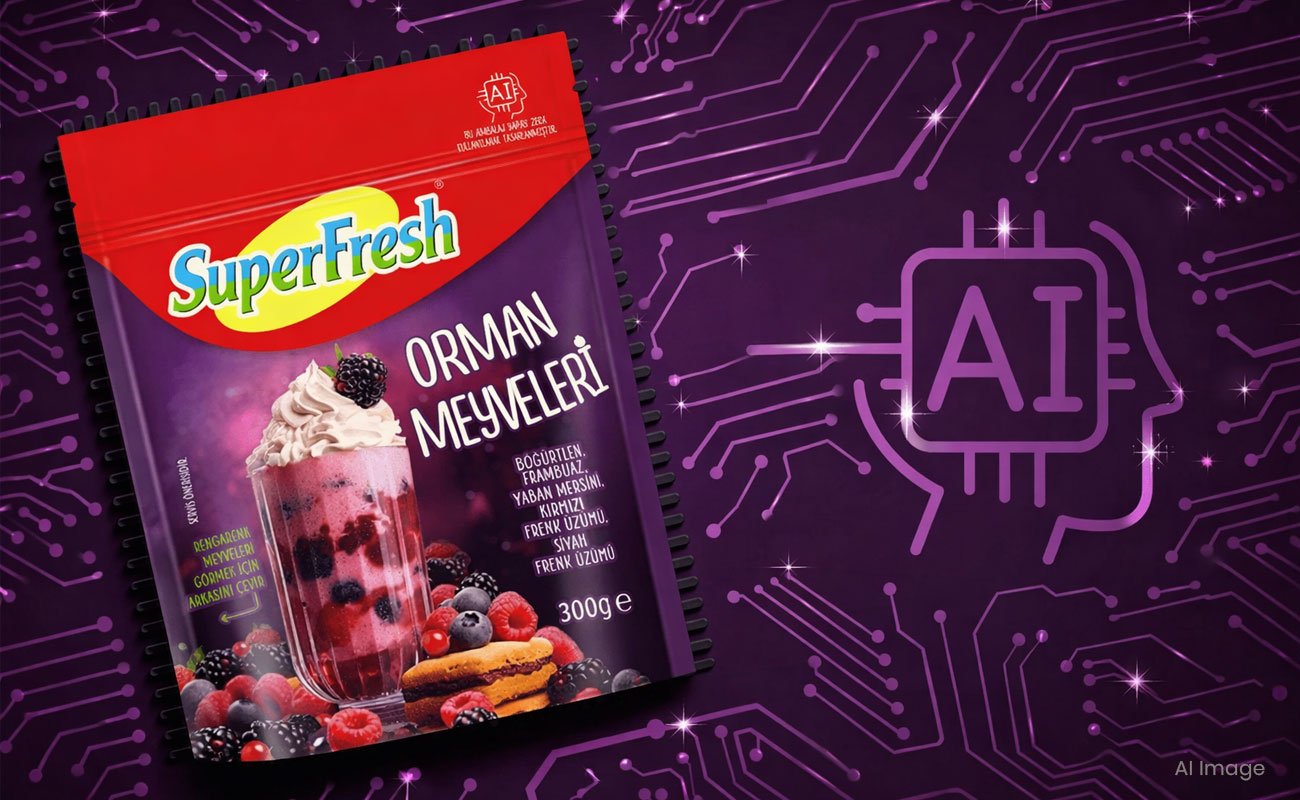
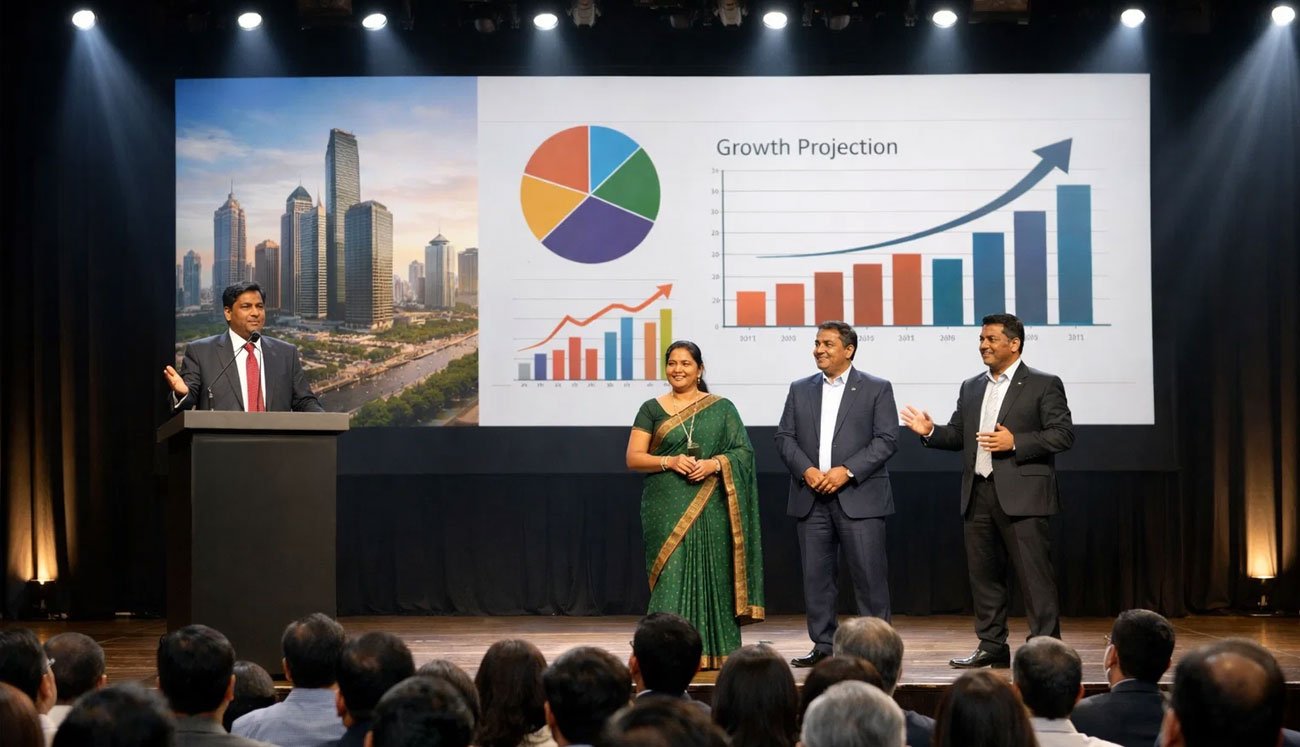
Here are the concepts created using ChatGPT and Sora, and we sent these as a mood board for review:
That’s where the shift happened.
The client immediately resonated with the ideas. One direction was approved, followed by minor refinements in Photoshop by the design team—and we were done.

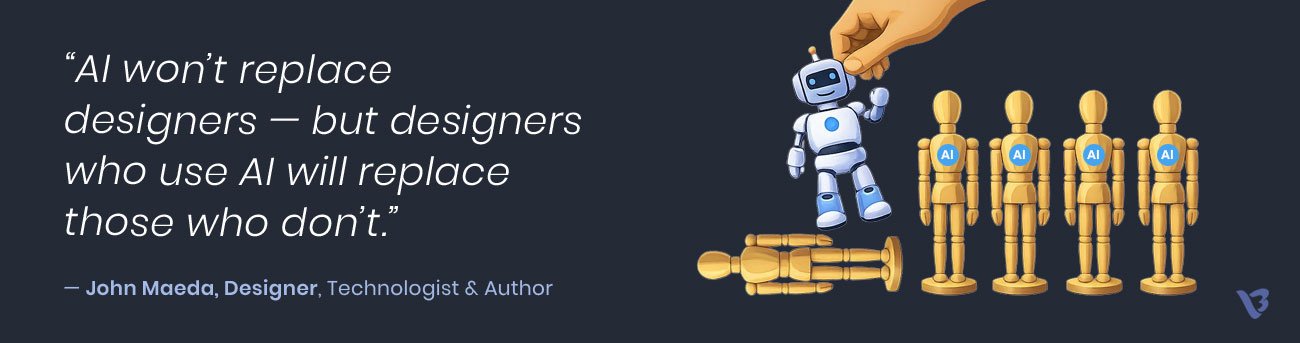
This is a classic example of how human judgment, supported by AI, can dramatically reduce guesswork, save time, and align clients faster—without compromising creativity.
Clearer Briefs, Better Starts
Vague briefs are one of the biggest causes of rework. AI helps us bring structure where information is scattered.
- Meeting notes turn into clear action points.
- Emails become prioritised requirements.
- Loose ideas become organised briefs.
Tools like ChatGPT help ensure both teams start with the same understanding — reducing confusion before design even begins.
Prototyping Before It’s Too Late
Clients often struggle to visualise the final outcome. AI-powered prototyping changes that.
- Early mock-ups set realistic expectations.
- Feedback becomes specific, not subjective.
- Usability issues are caught early — not at the end.
Using tools like Figma with AI support, layouts and flows can be validated upfront, reducing usability-related revisions by 35–40% and avoiding costly redesigns.
An AI-First UI Design Example
In a recent UI project, we adopted an AI-first approach right from the start. Using the brief, our UX team quickly explored multiple layout and user-flow options instead of committing to a single assumption.
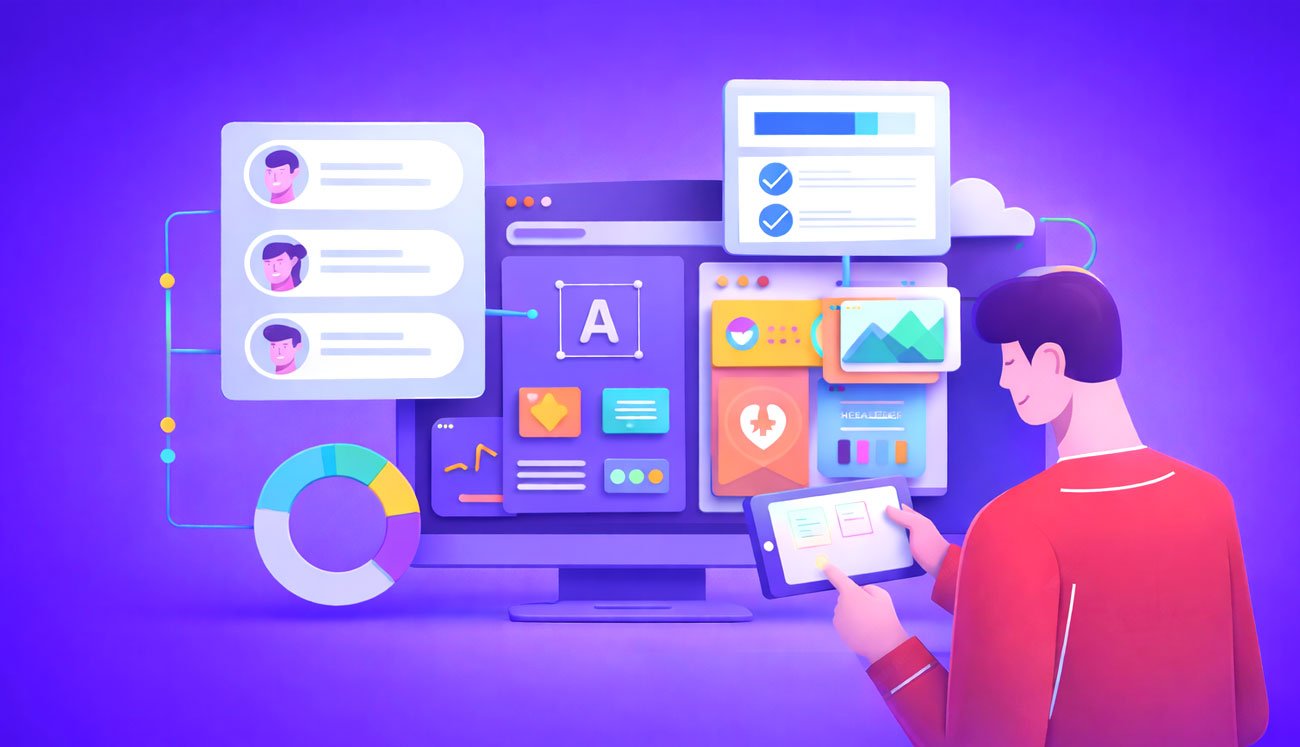
Within hours, we shared clear UI mockups that allowed the client to react to visuals, not abstractions. The following layout variations were generated using AI, based on the One Base UI design we originally created manually.
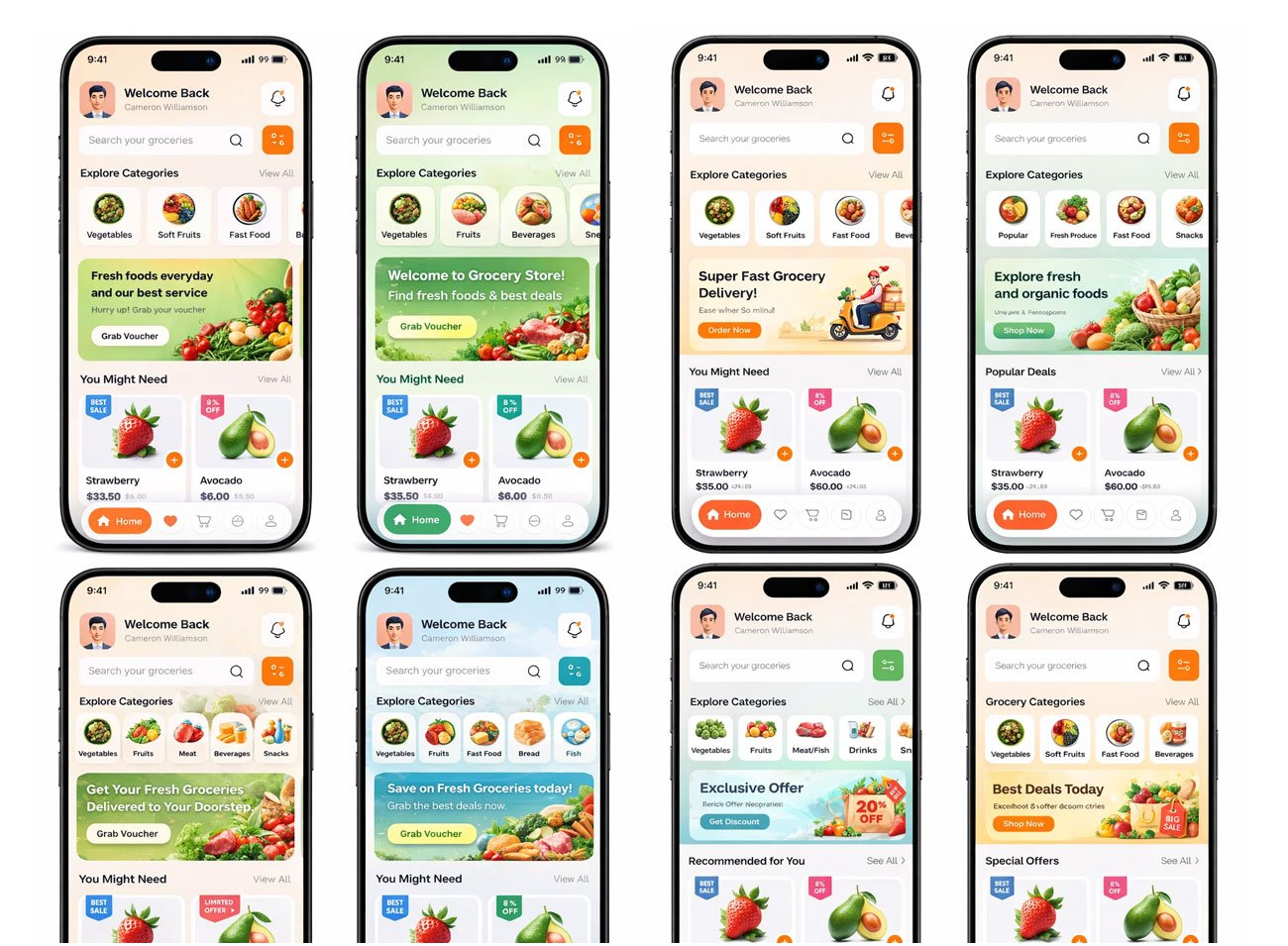
Decisions were made faster, feedback became more specific, and one direction was approved with minimal changes. The final UI was then refined in Figma for usability and brand accuracy.

By using AI at the decision stage, we reduced uncertainty, shortened approval cycles, and avoided unnecessary redesigns—while designers stayed focused on experience and quality.
Consistency Checks That Prevent Rework
Small inconsistencies often trigger last-minute feedback. AI helps catch these issues early.
It flags:
- Colour and contrast problems
- Typography and spacing inconsistencies
- Accessibility and usability gaps
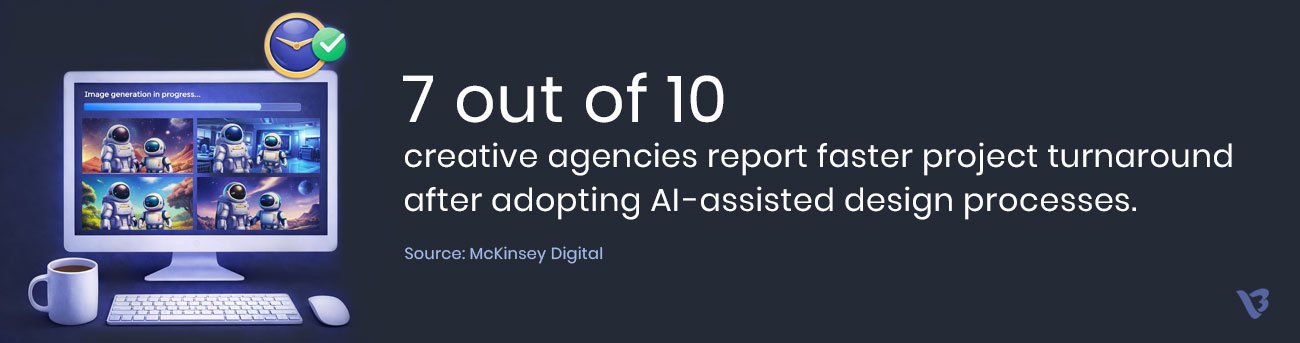
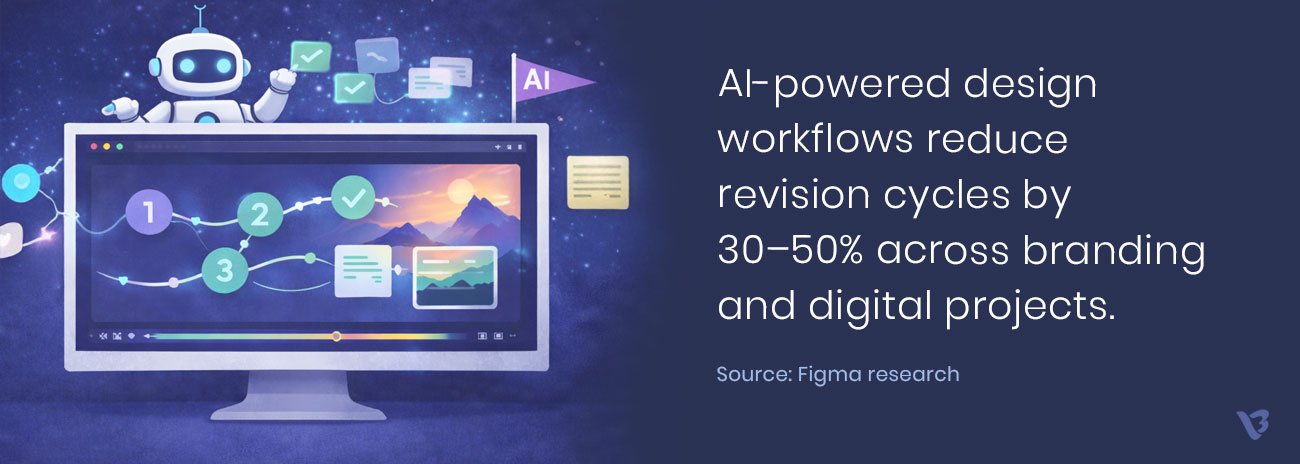
By identifying issues before delivery, AI reduces unnecessary corrections. In fact, a Cropink study found that AI-based design tools can reduce revision cycles by up to 30%.
Best Practices for Designers
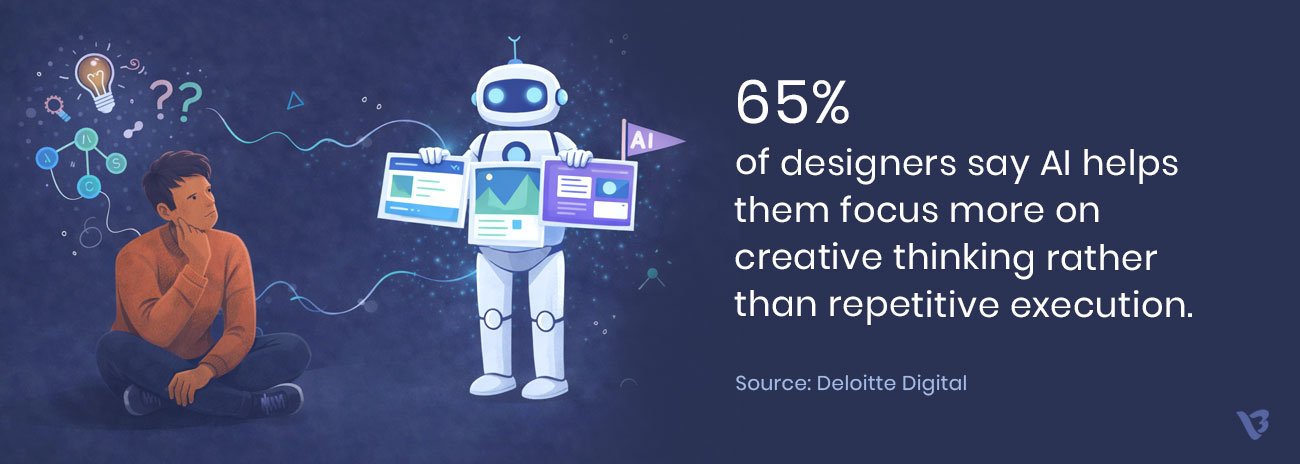
Designers can significantly reduce revisions by exploring multiple ideas early and using AI visuals to clarify the final direction from the start.
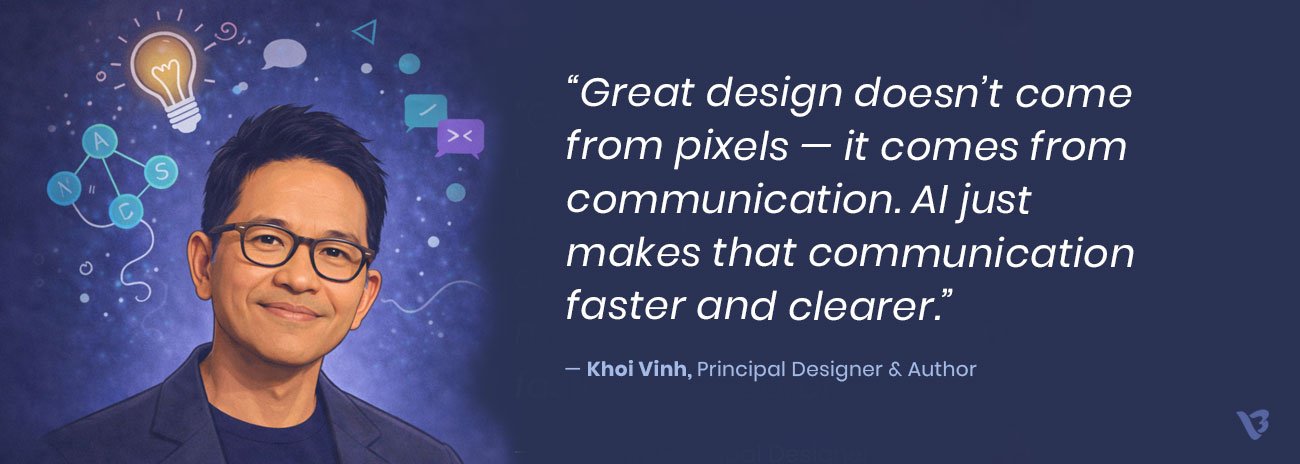
AI works best as a conversation tool — helping designers test directions, align expectations, and run quality and consistency checks before sharing work with clients. At the same time, human intuition remains central. AI doesn’t replace creative judgment; it supports it. The designer’s role shifts toward interpretation, strategy, and ensuring the final output meets the highest standards.
When used thoughtfully, AI helps designers spend less time fixing and more time creating — leading to better work and smoother projects.
Best Practices for Clients
Clients play an equally important role in reducing revisions.
Clear inputs upfront make a big difference. Sharing references, defining expectations early, and reacting to AI-generated visuals helps eliminate misunderstandings before execution begins. Structured, specific feedback is far more productive than broad or subjective comments.
When creative direction is aligned early, last-minute changes become rare — resulting in faster timelines, fewer revisions, and better outcomes for everyone involved.

AI Tools That Improve Revision Efficiency
Following are some best AI tools that can help streamline the revision process.
Concept &Moodboard Generation
- Sora / Midjourney – Generates diverse visual concepts and early stylistic directions
- DALL·E – Creates detailed, prompt-driven visuals for exploring creative possibilities
- Adobe Firefly – Brand-safe visual variations and design ideas
- Canva AI / Magic Media – Quick moodboards and starter concepts for alignment
Brief Clarification & Content Structuring
- ChatGPT – Converts rough inputs into clear briefs, summaries, and design direction
- Notion AI – Organizes client requirements and extracts key design tasks
- Copy.ai – Refines client-provided text into actionable design instructions
Prototyping & UI/UX Assistance
- Figma AI (AI Assist) – Auto-generates wireframes, layouts, and UI variations
- Uizard – Turns sketches into usable interface mockups
- Framer AI – Builds quick interactive previews for faster client approval
Visual Consistency, Behavioural Predictions & Quality Checks
- Attention Insight – Predicts user attention hotspots to validate layout effectiveness
early
- Adobe Photoshop Generative AI – Fixes layout issues and refines visuals quickly
- Color.review – Automated color contrast and accessibility checks
- Khroma – AI-generated color palettes aligned with the brand’s tone
Video, Motion & Storyboarding
- Runway ML – AI-assisted storyboards, visual cues, and creative variations
- Krita + Stable Diffusion – Concept art and scene exploration
- Storyboarder – Quick AI-supported scene visualization for motion projects
Common Mistakes to Avoid
Coming dashing into the design process without understanding what you’re doing can cause more work than it saves, so it’s essential to avoid common mistakes like
- treating AI-generated results as final
- skipping human review and refinement
- using AI without laying out its role to your clients
- and overloading your system with too many tools.
Communicating clearly about what AI does and how it fits into the process builds trust and helps to stop clients from expecting too much, which is why AI works best as a partner, not a shortcut.
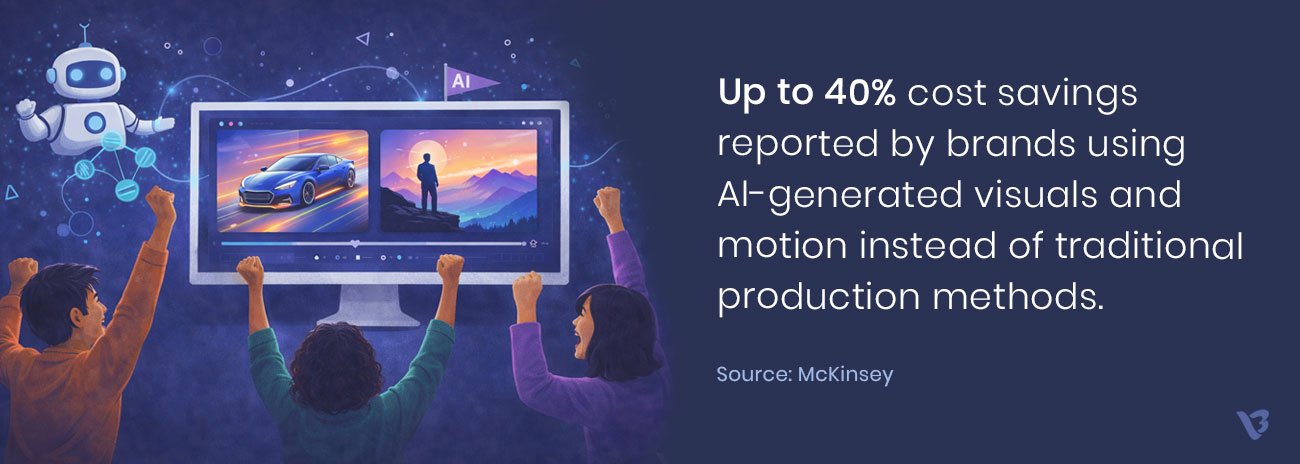
Case Studies: How AI is reducing up to 50% revision rounds
- Brand Development Projects
Using AI as a tool to generate style exploration options allows clients to choose a direction early. Designers can then refine a selected direction rather than rebuild from scratch. The results are dramatic reductions in brand-related revisions.
- User Experience/UI Design Projects
AI-generated wireframes provide layout and flow options quickly. Human designers can then refine usability and interaction in this hybrid design process. This hybrid process leads to reduced redesign cycles and accelerated approval processes.
- Motion Graphics Projects
AI storyboarding allows clients to review and approve pacing and narrative structure early. The animators do not have to make costly last-minute changes.
- Content Design Projects
AI-assisted formatting provides a consistent layout across all project assets, resulting in fewer repetitive corrections. A ZEBRACAT AI Productivity research shows that 59% of employees report that AI helps them complete repetitive tasks faster.
Why Human Oversight Still Matters
AI has undeniably changed the way we design — it speeds up workflows and helps us deliver value faster. But from a designer’s perspective, creativity is still deeply human. Interpreting brand emotion, personality, and storytelling goes far beyond what AI can generate.
From the client’s side, trust doesn’t come from algorithms — it comes from human taste, strategic thinking, and judgment. Cultural context, ethics, and nuance are areas where human insight remains essential.
By removing unnecessary revisions, AI actually strengthens the client–designer relationship. Projects move faster, timelines become predictable, and collaboration feels smoother. With the right balance of AI and human oversight, both teams stay aligned — and the work gets better for everyone.
Read more on this: AI vs Human Creativity in Design
How Visual Best Brings It All Together
At Visual Best, we combine human creativity with AI-powered tools to deliver faster, clearer, and higher-quality design outcomes. AI helps us align early, reduce revisions, and move projects forward with confidence—while our designers ensure every visual reflects strategy, emotion, and brand intent.
The future of creative work isn’t automated; it’s collaborative. When expectations are clear and workflows are smarter, revisions shrink and results improve.
If you’re ready to speed up your design process without sacrificing quality, let’s talk.
Explore how Visual Best’s AI-powered design approach can help you move faster, reduce rework, and get better results—starting with your next project.
Frequently Asked Questions
1. How does AI actually reduce design revision rounds?
AI reduces revisions by bringing clarity before execution starts. Instead of guessing what a client means, designers share early visual directions created with AI. When clients respond to visuals rather than abstract descriptions, expectations align faster and unnecessary back and forth is avoided.
2. Will AI-generated concepts limit creativity or make designs look generic?
AI does not replace creativity when used correctly. It accelerates exploration and removes guesswork. Designers still make the final decisions by applying brand understanding, emotional context, and creative judgment. This leads to stronger outcomes, not generic ones.
3. At what stage of a design project is AI most effective?
AI works best at the beginning of a project. Early use during briefing, concept exploration, and direction alignment prevents confusion later. When decisions are clear early, detailed execution happens faster with fewer revisions.
4. Do clients need to understand or use AI tools themselves?
Clients do not need to use AI tools at all. They only need to review the visuals, concepts, or mockups shared by the design team and give feedback. The process feels familiar, but decisions happen faster and with more confidence.
5. Can AI help in ongoing retainer or high-volume design work?
Yes. AI is especially effective for repeat and high-volume work. It helps maintain consistency, catches small errors early, and speeds up layout or format variations. This reduces repetitive corrections and keeps long-term projects running smoothly.
6. Is AI replacing designers in the creative process?
AI is not replacing designers. It supports them. Routine tasks and early exploration are handled faster, while designers focus on strategy, storytelling, and quality. The result is better work with less time spent on revisions.
7. How can clients help reduce revisions when working with AI-powered design teams?
Clients help most by sharing references early, reacting clearly to initial visual directions, and keeping feedback focused. When feedback refines the approved direction instead of changing it completely, projects move faster, and revisions reduce naturally.