AI Design , Motion Graphics , Video Production
The Complete Guide to AI in Motion Graphics & Video Production
Picture this for a second.
You’ve got a killer product ready to launch but the explainer video still needs to happen.
Old school way? Weeks of back and forth- shooting days, endless After Effects layers, color grading marathons and revisions that never seem to end.
Your budget takes a hit, your team gets exhausted and the launch date keeps creeping backward.
Now flip the script.
You sit down, type out exactly what you want — the vibe, the feeling and hit enter.
Minutes later you’re watching motion graphics that flow smoothly transitions that feel cinematic. Voiceover that sounds natural and text animations that pop just right.
A few quick adjustments and it’s ready to go live. No massive crew. No insane invoice.
That’s not science fiction anymore.
In 2025 AI has completely changed how we create motion graphics and videos.
It’s giving solo creators and even big brands the power to move faster, spend smarter and experiment more freely than ever before.
This article serves as a practical Guide to AI in Motion Graphics, you’ll find the main types of AI tools shaping motion graphics and video production right now, must-know tools in 2025, a dead-simple 5-step process to build great AI videos, real ways AI saves time + money + sanity, actual success stories from brands, what’s coming next, and how we at Visual Best mix AI smarts with real human craft to get results that actually move the needle.
Types of AI Generators for Motion Graphics & Video Production
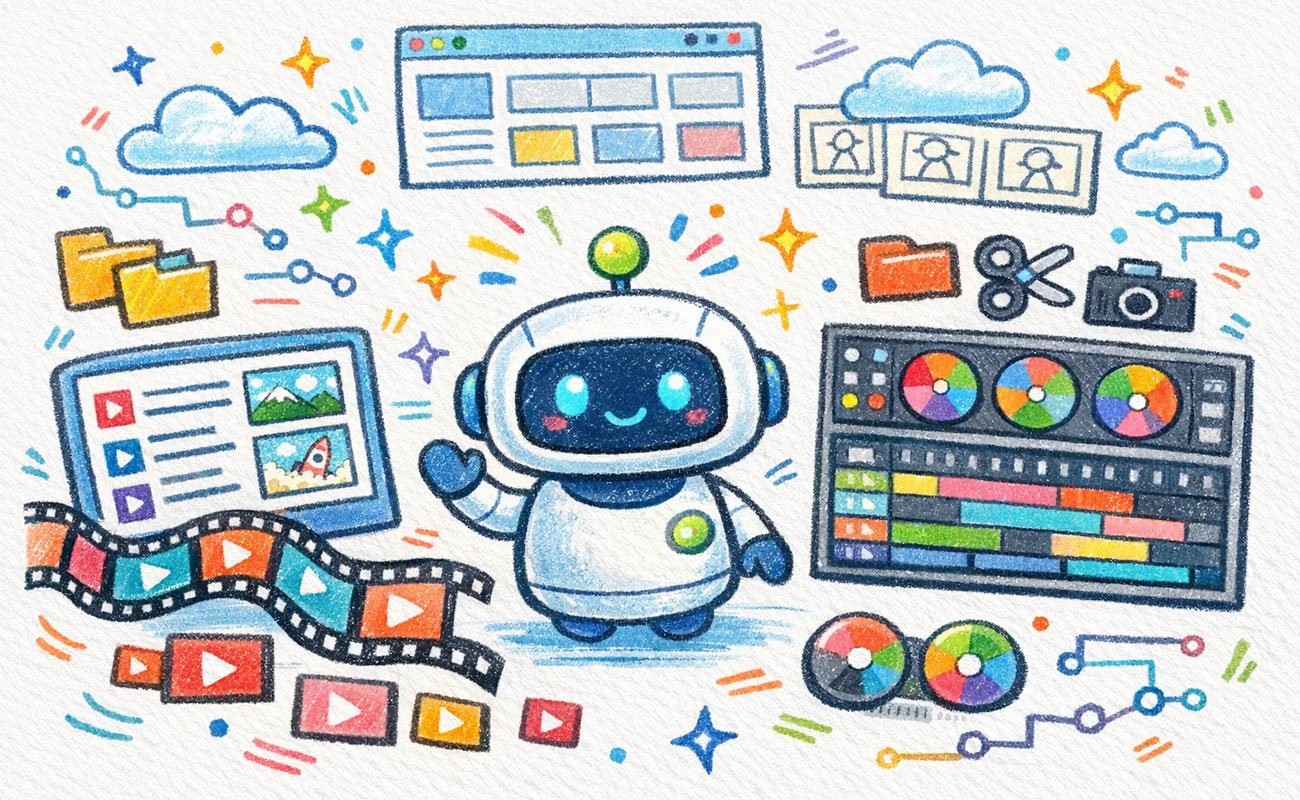
AI isn’t one single thing; it shows up in different flavors depending on what you’re trying to do.
Here are the three big buckets most people fall into.
1. Text to Video AI Generators
You write a description (or paste a full script) and the tool builds the entire video from scratch.
It handles scenes, character movement, camera angles, lighting, particle effects — the works.
Perfect when you want fast concepts, social reels, ads, or educational clips without filming anything.
2. Video Editors with AI Capabilities
These live inside tools you probably already use (or plug right into them).
They auto cut boring parts, fix shaky footage, remove objects from the frame, match colors across shots, upscale low res clips, and suggest smart transitions.
You still make the creative decisions AI just kills the grunt work.
3. Video Productivity Platforms with AI Capabilities
These are the full-package platforms.
They help with scripting, storyboarding, asset organization, team comments, version control, and final export — all in one place.
Super useful when you’re pumping out consistent content week after week and don’t want chaos.
Core AI Tools for Motion Graphics & Video Production
Think of this as a Complete Guide to AI in Video Production, built for creators and brands who want clarity instead of complexity. These are the ones popping up in real workflows right now.
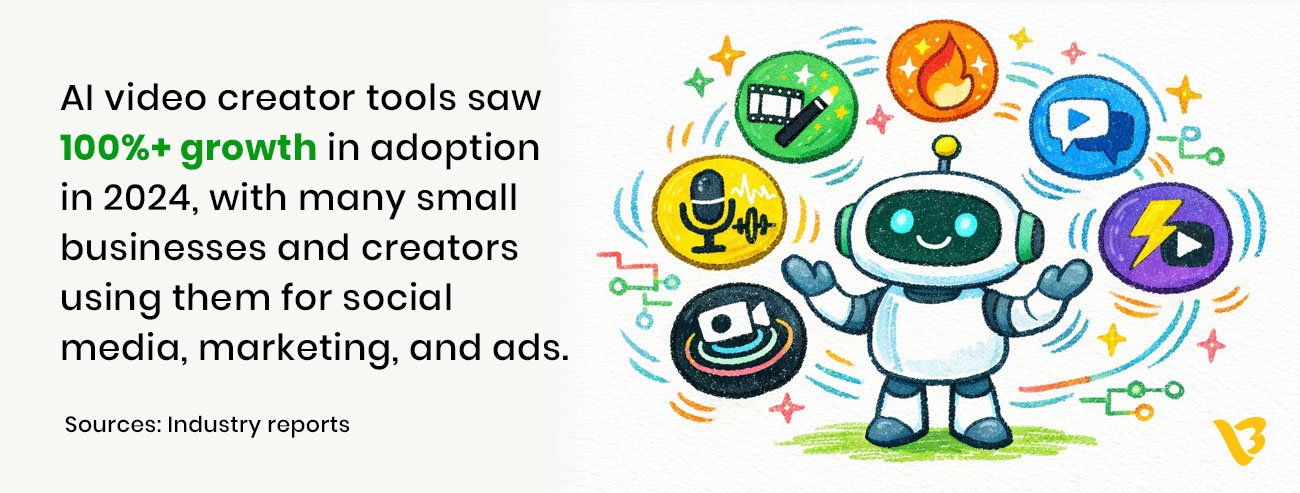
- Runway ML — crazy good at turning text or images into fluid motion graphics and cinematic clips.
- Adobe Firefly (inside Premiere Pro & After Effects) — feels like a natural extension of the tools pros already love; great for rotoscoping and motion tracking.
- Synthesia — king of talking head videos with realistic avatars and natural sounding voices in tons of languages.
- Pika Labs & Luma AI — deliver buttery-smooth animations and effects that don’t scream “AI-made.”
- Descript — edit video by editing text; it transcribes everything, removes ums and filler words, and even clones your voice for overdubs.
As a design agency, our advice? Don’t marry one tool. Play with free trials.
See which one clicks with your style and output needs.
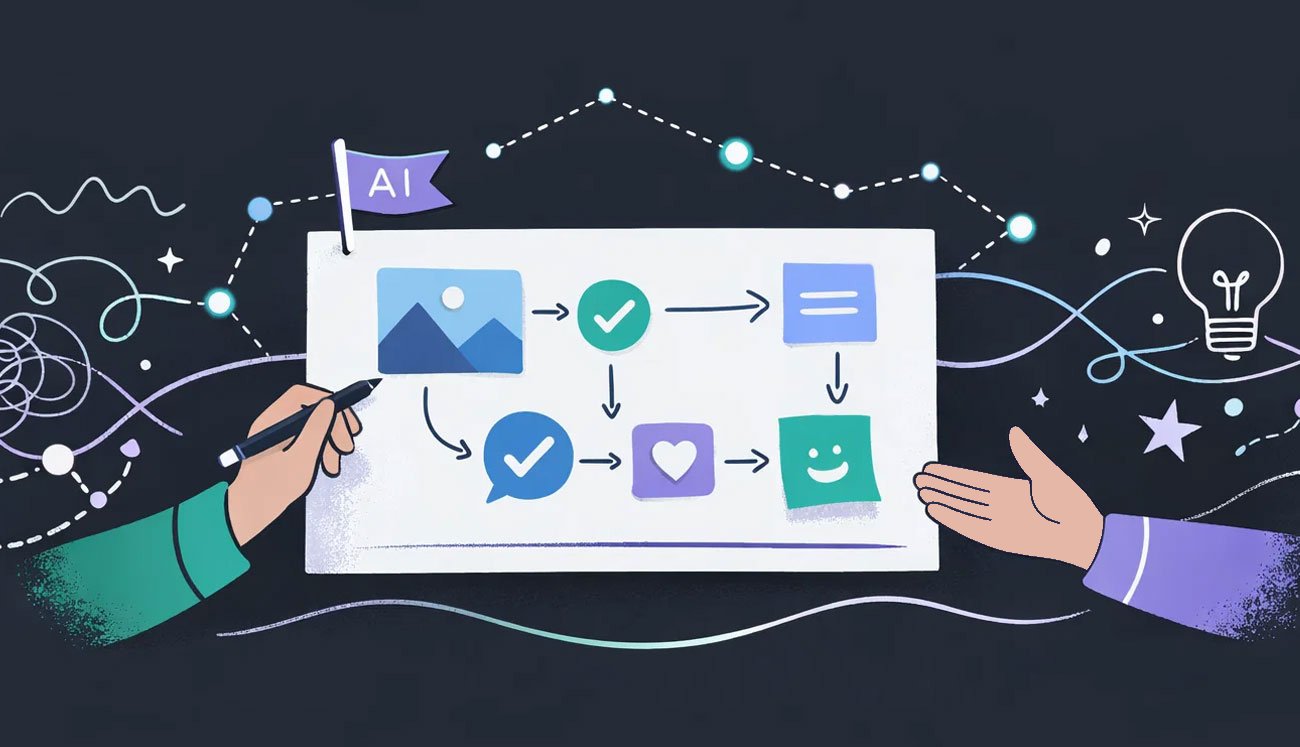
The 5-Step Framework for AI Video Creation
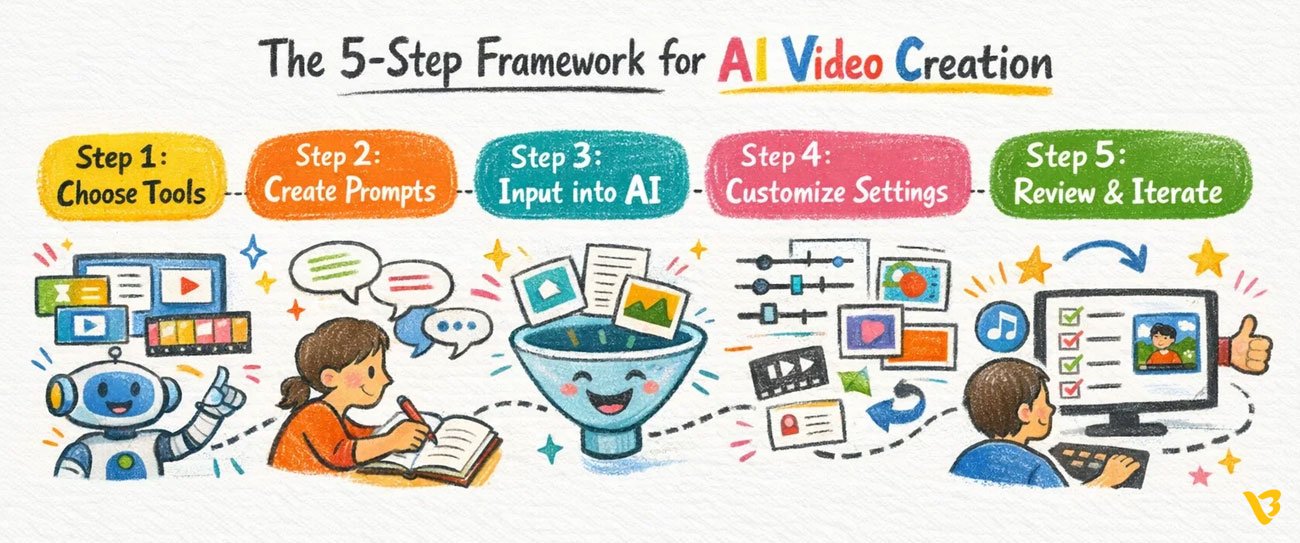
Here’s the exact flow I’ve seen work best for people who want consistent, high-quality results without losing their minds.
Step 1- Choose the Right AI Video Tools
Get super clear on what you actually need.
Full video from zero? → Text-to-video.
Polishing existing footage with killer motion graphics? → Adobe AI suite or similar.
Heavy editing or voice work? → Descript or Synthesia.
Test a couple of prompts on free versions before you commit.
Step 2- Create Your Video Prompts
This is where most people mess up and where the magic happens when you get it right.
Write like you’re directing a friend who’s super talented but needs clear instructions.
Example:
“Cinematic wide shot of a futuristic city at dusk, neon blue and pink lights, smooth drone pull-back, energetic electronic music, bold sans-serif text reveal saying ‘Scale Without Limits’ in white with subtle glow.”
More detail = better output. Iterate the wording until it feels spoon.
Step 3: Input Your Text into the AI Tool
Paste your prompt or script.
Drag in reference images, mood boards, or brand colors if the tool allows it.
Generate a few versions, most spit out options in under sixty seconds these days.
Pick the one closest to your vision as your starting block.
Step 4: Customize the Video Settings
Now make it yours.
Tweak resolution and aspect ratio (square for Instagram, vertical for TikTok, 16:9 for YouTube).
Adjust pacing, swap music tracks, add your logo animation, fix any weird lighting quirks.
Regenerate only the parts that need it don’t redo the whole thing.
Step 5: Review and Iterate for Perfection
Watch it full screen on phone and laptop.
Does the motion feel natural? Does the message land in the first 5 seconds?
Jot down fixes, go back in, tweak prompts or manually adjust.
Most solid videos come after 2–4 quick rounds.
That’s normal and it’s fast.
How AI Simplifies the Video Production Process
AI doesn’t just make things prettier — it removes real headaches.
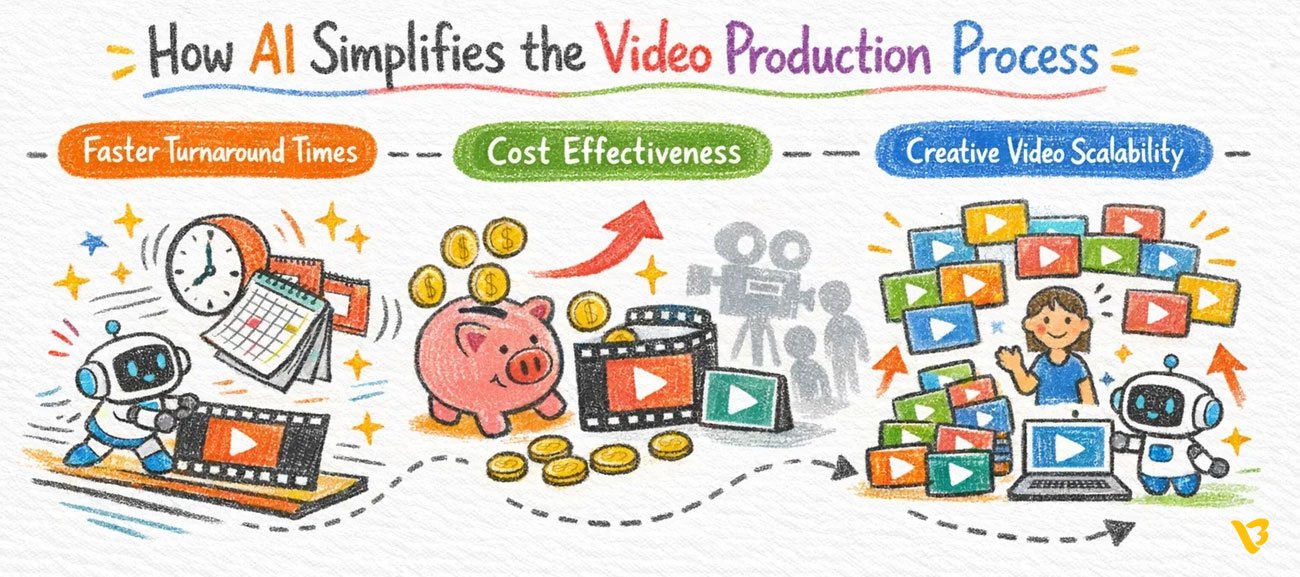
Faster Turnaround Times
What used to take 2–3 weeks can now happen in a couple of days (sometimes hours).
Teams using AI report noticeable jumps in pre-production speed and overall output velocity.
Deadlines that felt impossible suddenly become realistic.
Cost Effectiveness
The savings are brutal in the best way.
Many projects see production costs drop by 80–90% compared to hiring full crews and renting gear.
That money goes straight back into better distribution, more testing, or simply making more content.
Creative Videos Scalability
You can actually keep up with the content demands of 2025.
Brands are planning to lean heavily on generative AI for video ads this year — close to 90% according to recent industry surveys.
This means that a single individual or a small group of people can now produce what would otherwise have required a whole department.
Case Studies & Success Stories
Real people are already living this.
- A marketing agency cranked out 50+ short social videos in one week using Runway — previously that would’ve taken a month and a bigger budget. Engagement jumped hard.
- An online store switched to Synthesia avatars for product explainers — slashed costs dramatically and saw conversions climb because the videos felt personal.
- A bootstrapped startup built their full pitch-deck animation sequence in under a week with Pika Labs — helped them close their seed round faster than expected.
- A corporate L&D team uses Descript to refresh training videos monthly instead of yearly — keeping everything current without burning people out.
Future of AI in Motion Graphics & Video Production
Things are moving ridiculously fast.
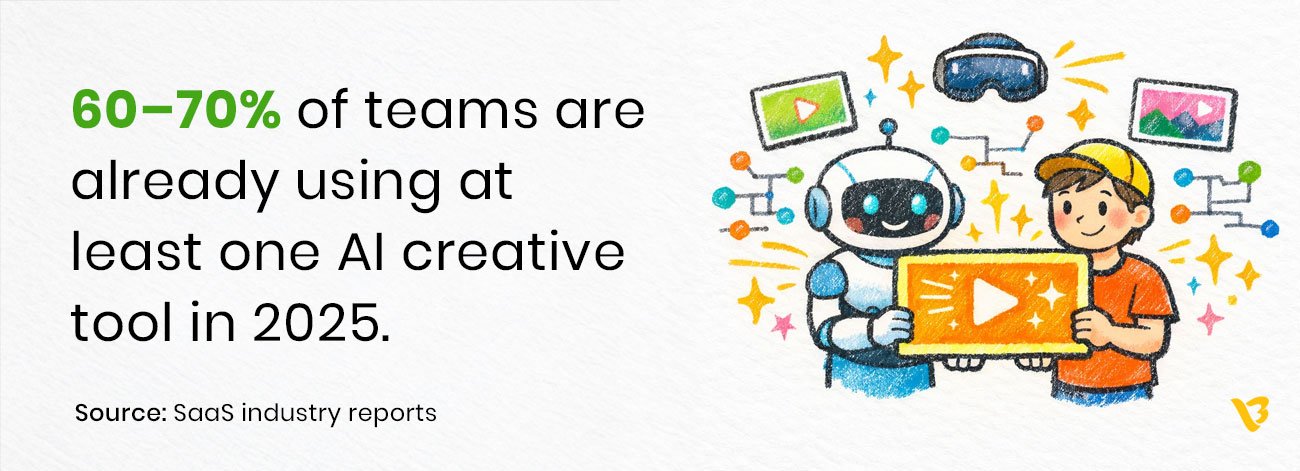
Industry forecasts show the AI video space growing at crazy rates over the next few years — double-digit CAGRs across multiple reports.
We’re heading toward real-time generation during live calls, outputs so realistic you’ll double-check if it’s AI or not, tighter integration with AR/VR experiences and way smarter personalization pulled from audience data.
At the same time better safeguards are coming- clearer content labeling, stronger detection of synthetic media, and tools that help reduce bias.
The best part? It is going to enhance the human touch that AI will not supplant.
You are still taking the story, the emotion and the strategy.
Someone mentioned that AI does the heavy lifting so you could concentrate on what is really important.
Where AI Meets Craft: Visual Best Video Creation Process
Here’s how we do it at Visual Best.
We always start the same way: sit down and really understand your business goal, your audience, and what success looks like.
Then we bring in AI to blast through early ideas — quick drafts, asset variations, motion tests.
After that our designers take over: fine-tune timing, perfect the flow, layer in brand personality, make sure every frame feels intentional.
The videos that come out don’t just look cool — they perform.
They convert viewers, build trust, and help you grow without the usual production pain.
Ready to try this for your next project?
Are you fed up with slow and costly video workflow and want videos that do help you move your business forward contact us.
We would be happy to know what you are working on and demonstrate how we can make it smarter and faster.
Let’s build something great together.
Also Read : What is Motion Graphics & How to Use it in Your Marketing