UI/UX
5 Smart Online Tools for Modern Web Designers
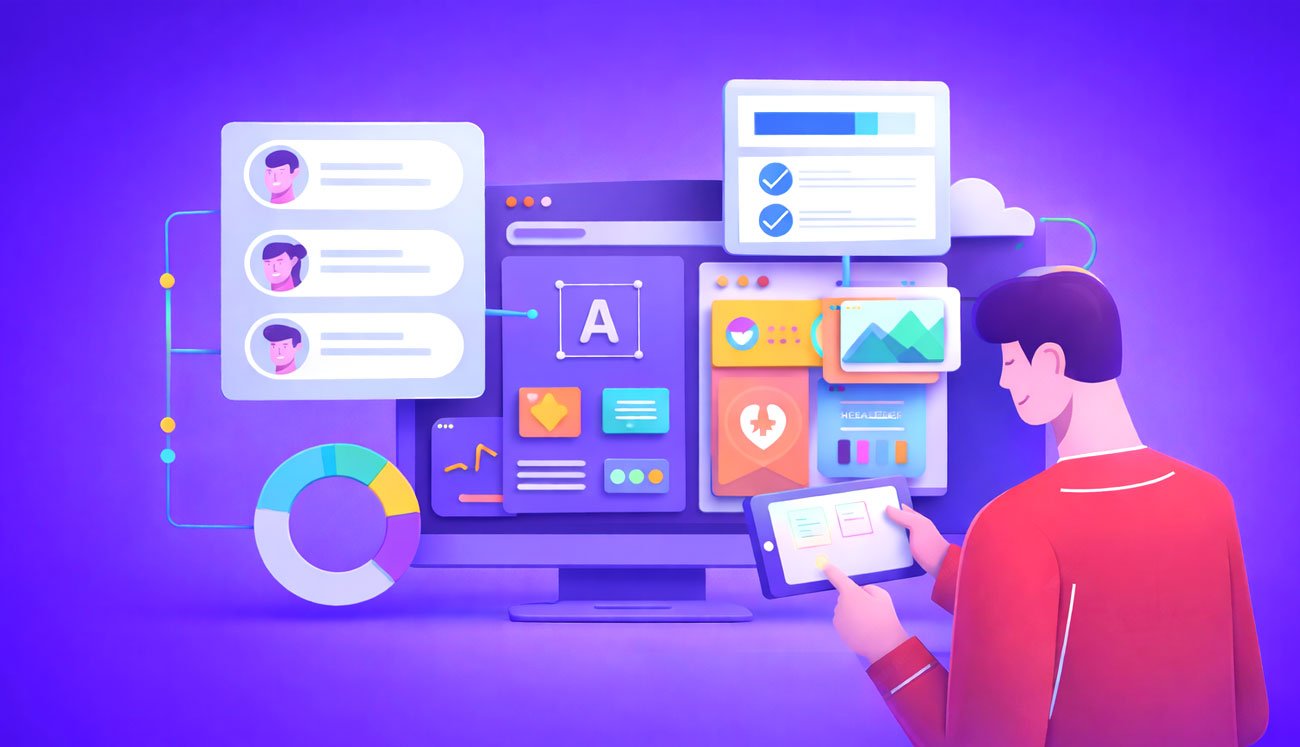
Gone are the days when web designers were responsible for creating static pages and simple layouts for websites. In the modern era, designers are required to create designs while keeping multiple things in mind, such as;
- Compellingness.
- Responsiveness.
- Navigation convenience.
- Users’-experience.
Today, it wouldn’t be wrong to say that the design of a site is actually its visual soul. According to an online source, the credibility of a website is 75% determined by its design.
However, creating a website design is challenging, especially when web designers have to juggle multiple design tasks. That’s where online tools are handy for modern web designers.
In this blog, we have listed 5 smart online tools for modern web designers to improve their efficiency as well as enhance creativity.
Why Do Modern Designers Need Smart Online Tools?
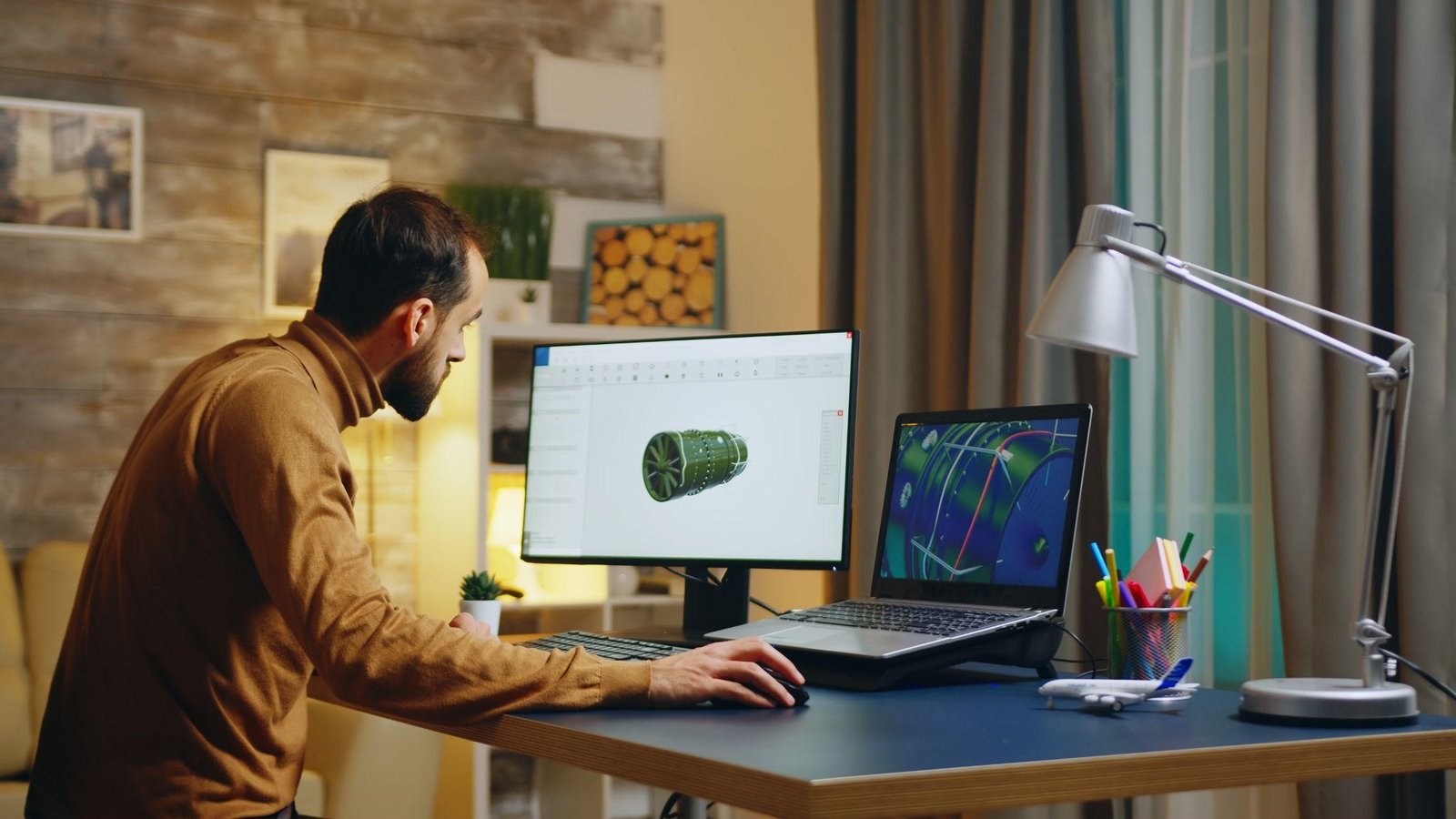
Before we go on to explain the list of online tools, we want to make it clear why web designers should use smart online tools. In the modern world, having the right set of tools is helpful for every newbie and expert designer in order to enhance their work. Below, we list some common reasons for modern designers to use online tools.
- They help them reduce errors that humans often make while manually working. Hence, opting for online tools ensures that the designs are clean and according to the needs.
- Using online tools improves the overall workflow of designers by automating their repetitive tasks.
- Another reason that necessitates to use of online tools is their support for seamless collaboration.
- Beyond just improving efficiency, tools can spark the creativity of web designers.
Let’s now discuss each and see how they’re helpful…
1. Figma: Collaborative UI/UX Designs
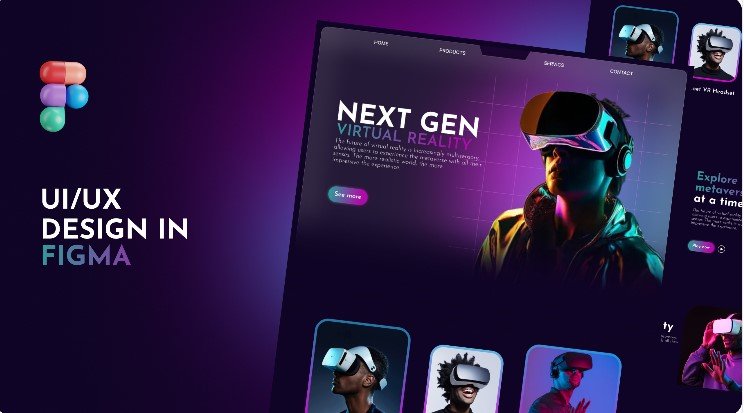
Figma has 13 million users and is among the most popular design tools. UI/UX Designers can use it for building and editing designs for websites of all sizes and niches. One of the standout features of Figma is its collaborative interface that lets a team of designers, developers, and clients view designs in a single place.
Here’s How Figma is Useful For Modern Web Designers:
- One of the beneficial aspects of Figma is that it lets designers do live collaboration with different users. Other users (team members, seniors, or clients) can review designs simultaneously and make comments.
- The real-time collaboration of the tool can save a lot of time that they might have spent in back-and-forth & forth communication.
- Figma lets designers quickly create prototypes (the initial version of a website design) and share them with clients for approval.
- Another benefit of the tool is that it allows developers to directly inspect and download the assets, such as icons, images, etc. This ensures a consistent workflow from designs to code.
- The tool offers a library for designers where they can find various types of plugins in order to streamline their tasks.
All in all, Figma can be a valuable addition to streamline the overall design workflow and team collaboration.
2. Canva: Simplified Visual Design
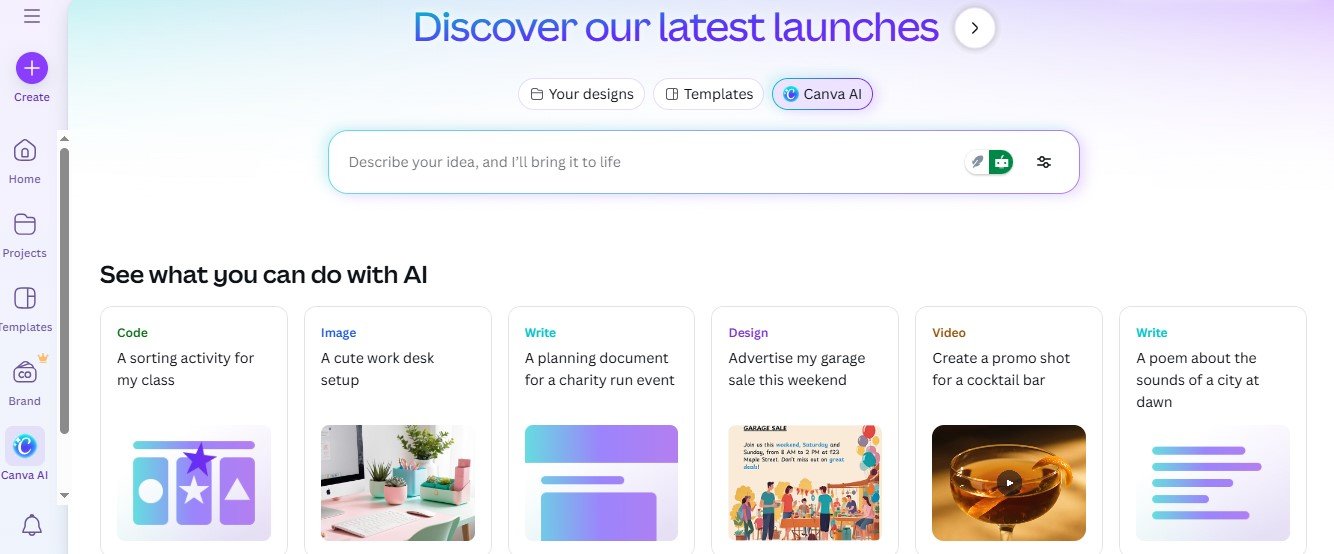
Canva is another popular and full-fledged graphic design platform. It is a standout platform for a simple interface and a big collection of templates, allowing web designers to easily create custom designs. It opens up opportunities for newbies who don’t have any prior designing experience.
Why Canva is Useful for Modern Designers?
- As we stated that Canva offers a big collection of ready-made templates for various types of design, including web designs for all niches. Modern designers, especially beginners, can quickly create web designs with just a drag & drop steps.
- It offers an AI chatbot as well, using which designers can access desired templates with a single click.
- It works on desktops as well as mobile devices, which means users can easily create designs using smartphones.
- The tool helps designers to maintain consistent branding, as it allows them to store logos, font styles, as well as color palettes.
- Just like Figma, it also offers a real-time collaboration feature, allowing designers can share the link of their projects with others and allow them to review, edit, and download.
- Canva offers a free version as well, which can be used without paying anything.
In addition to the aforementioned uses of Canva, modern designers can explore the platform further and find many other benefits and features.
3. Wix: No-Code Web Design Platform
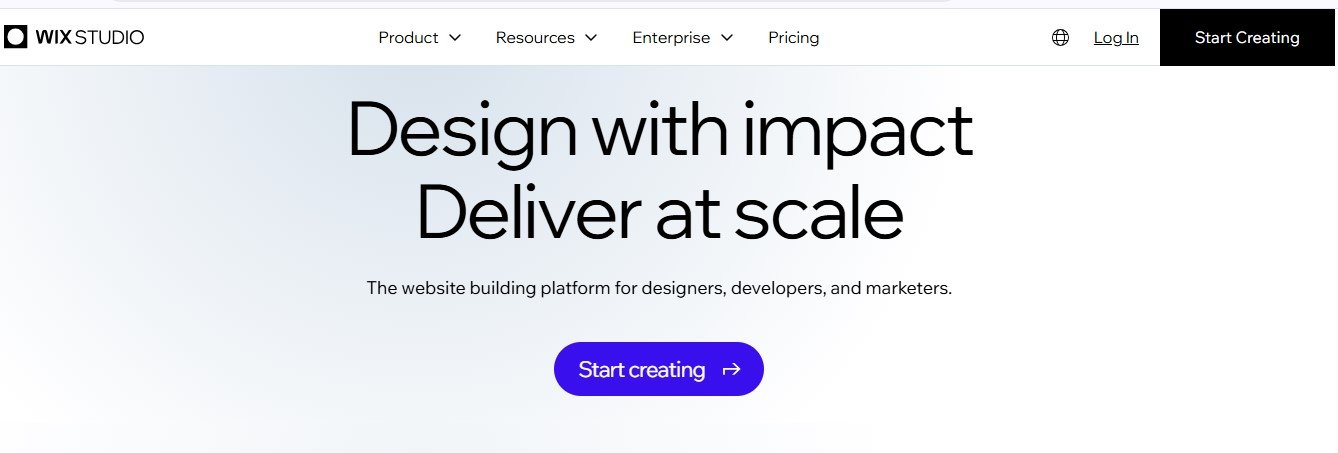
WIX is a versatile platform that allows users to develop websites without typing code and offers SEO features as well. Additionally, the platform comes with a wide variety of web-design templates that modern designers can customize to create their own. It is a useful tool for beginner and skilled designers to create responsive and mobile-friendly designs in minimal time.
Here’s How Wix Helps Modern Web Designers:
- Wix allows users to create the designs of layouts without any extra effort. All they need to do is use drag & drop options and arrange their design elements, such as buttons, images, and others.
- Wix Studio for designers offers hundreds of professionally designed templates for various kinds of websites, including E-commerce, service pages, business sites, portfolios, & blogs. Designers can either customize these templates to their requirements or build a new layout from scratch.
- One most beneficial and unique aspects of Wix is that all the designs created in it are responsive. It means that they automatically adapt to different devices like desktops, tablets, and smartphones. This allows designers to create user-friendly layouts.
And so on…
4. Minifier: Fast & Accurate Color Code Conversion
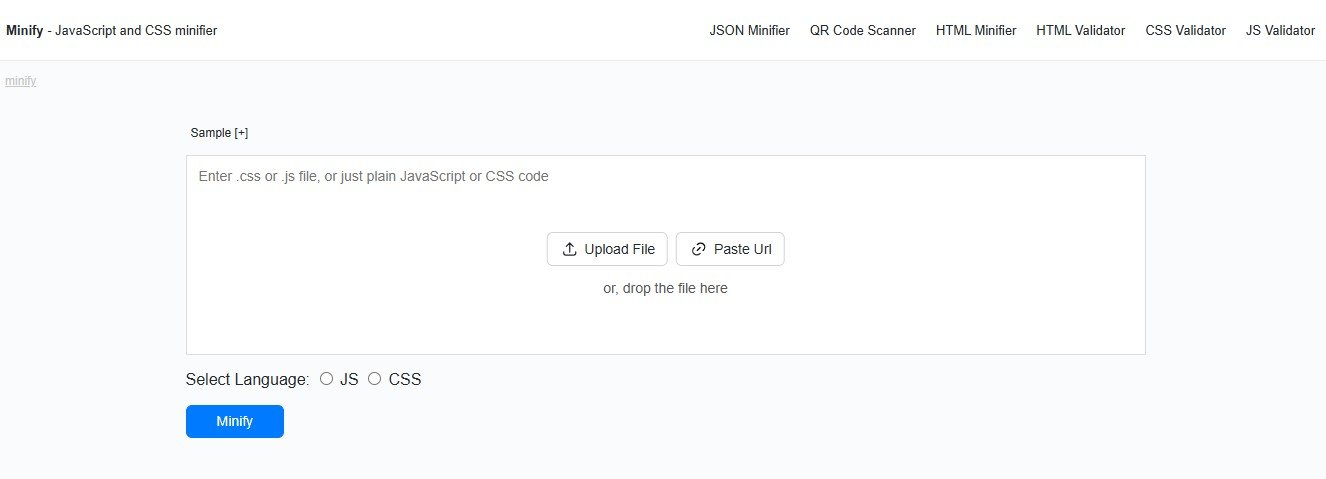
In the modern world of graphic design, designers are required to maintain color accuracy across various platforms. They do this in order to create visually appealing and consistent designs for websites or applications.
In this scenario, Minifier offers useful tools that are efficient in simplifying this job for modern designers. These tools include;
- HEX to RGB Converter to help designers automatically convert HEX color codes into RGB values.
- RGB to HEX Converter that allows graphic designers to instantly turn RGB values into HEX color codes.
How does Minifier help web Designers?
Below are the main benefits of using the minifier’s color code converters;
- The HEX to RGB & RGB to HEX converters let designers maintain consistency in colors across different websites and branding materials.
- Designers can avoid the hassles of manual color calculation using the color code conversion tools.
- These tools are simple yet accurate for both newbies and expert web designers.
- Additionally, with the help of these tools, web designers can convert colors in order to suit different softwares such as Figma, Photoshop, Illustrator, and others.
5. Coolors – A Color Scheme Generato
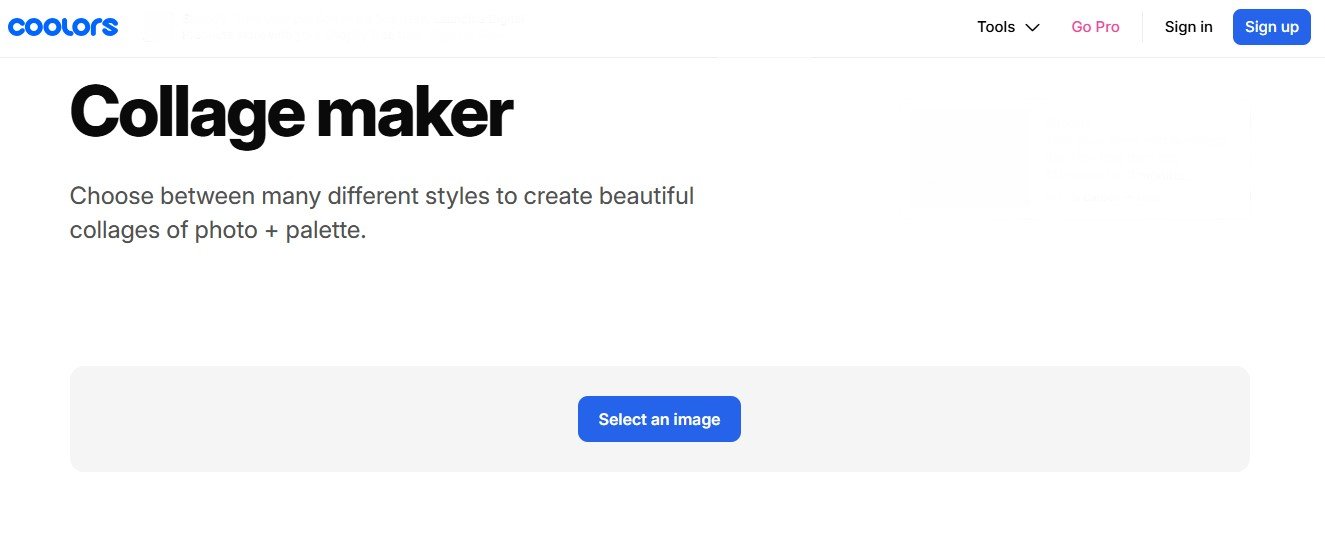
Coolors is the fifth smart online tool that modern designers can use. Basically, it is a color scheme generator that works to quickly generate various color combinations to match the project’s theme of designers.
What Are the Benefits of Using Coolors?
The following are the advantages of using Coolors:
- It lets designers quickly create compelling palettes with just a spacebar.
- Coolors allows designers to build picture-based color stories. For this, it offers a special tool named Collage Maker.
- With the help of Coolors, they can organize and store their favourite palettes.
- It also offers a Gradient Maker, using which designers can do color transitions.
Also Read: Design Smarter, not Harder
Conclusion
Web designers of the modern era are required to have more than just creativity. They also need a set of right tools that could bring their ideas to life. In this blog post, we evaluated five smart tools that will prove helpful for modern web designers. Our chosen list of tools consists of Figma, Canva, Wix, Minifier’s HEX to RGB and RGB to HEX converters, and Coolors.
Designers can use these tools in their workflow to streamline their productivity and achieve an excellent balance of productivity and accuracy.
FAQs
1. Is it necessary for me as a web designer to use online tools?
No, using online tools is not necessary; however, they are helpful to reduce your workload, manage your complex jobs quickly, and easily explore more creative ideas.
2. Can new designers use these tools?
Newbie designers can also use these tools, as almost all of them come up with a simple and friendly interface that anyone can understand without any prior experience.
3. Is Canva worth helping me create a professional website design?
Yes, Canva can help you; for this, it offers a number of web design templates as well as some branding tools. Also, they are simple to use, and you can create professional-looking layouts for your website with minimal effort.
4. Are these tools free to use?
Yes, all of them are available in a free version with access to the necessary features.
5. Will these replace designers’ human efforts?
No, these tools can’t replace human efforts completely. Remember that these tools are developed to help designers, not to replace them. So, human efforts of designers always matter.